Cloud vs. Server for Dental Practices: Pros, Cons & Which Is Right for Your Office?
As dental technology continues to evolve, more practice owners are asking the same question: Should we keep our technology server-based, or is it time to move to the cloud? The cloud vs server conversation is one we have often with our partners.
Cloud-based dental software has gained significant momentum in recent years, but that doesn’t necessarily mean an on-premise server is outdated—or that moving everything to the cloud is automatically the better choice.
Both models have advantages and drawbacks. The right solution depends on your practice, your technology, your budget, and how your team works.
Here’s what dental practice owners should consider.
What Is a Server-Based Dental Practice?
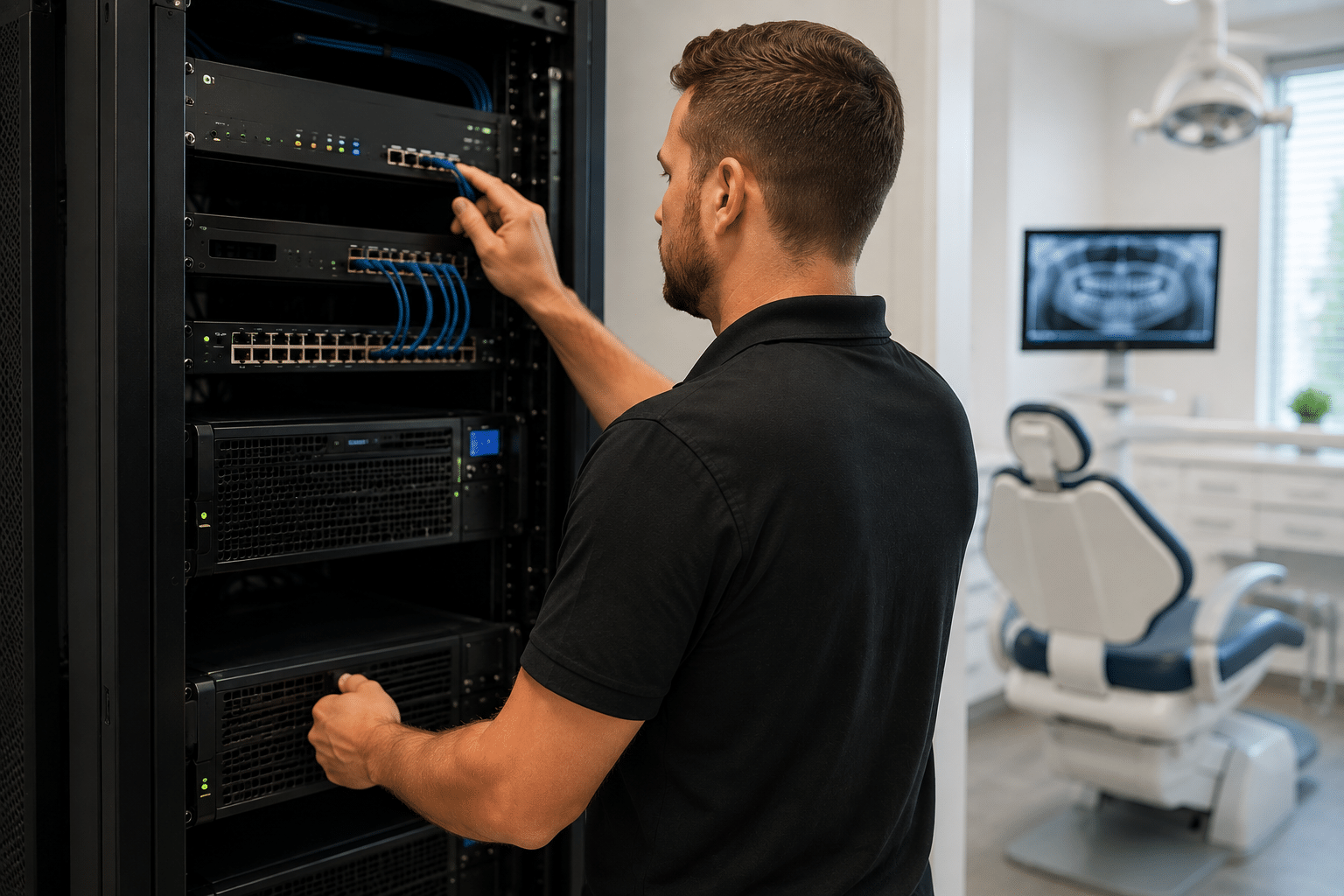
In a traditional server-based environment, your practice’s applications and data are primarily hosted on a physical server located inside your office.
Many dental practices have operated this way for years, particularly those using practice management, imaging, and other applications designed around an on-premise environment.
Pros of a Server-Based Environment
1. Greater control over your technology
With an on-premise server, your practice has more direct control over its infrastructure, applications, data, and upgrade schedule. Your IT provider can configure the environment specifically around the needs of your practice.
2. Strong local performance
Because workstations communicate with a server on the local network, many applications can operate quickly without depending entirely on an internet connection.
This can be particularly important in dentistry, where practices routinely work with large imaging files and technology that requires reliable communication between multiple devices.
3. Less dependence on internet connectivity
An internet outage is always disruptive, but a properly designed server-based environment may allow certain local systems and applications to continue functioning while internet service is unavailable.
4. Potentially lower long-term software costs
While purchasing and maintaining a server requires a larger upfront investment, some practices may find that the total cost over the server’s lifecycle is competitive with—or lower than—the recurring subscription and hosting costs associated with certain cloud platforms.
Cons of a Server-Based Environment
1. Upfront hardware costs
Servers aren’t inexpensive. A practice needs to budget for the server itself, licensing, installation, configuration, backups, security, and ongoing maintenance.
2. Hardware eventually needs to be replaced
A server is not a “buy it once and forget it” investment. Like any piece of technology, it has a lifecycle. Practices that continue operating on aging hardware increase their risk of unexpected failures and downtime.
3. More responsibility falls on the practice and IT provider
Server environments require proactive management. Backups need to be monitored and tested, security needs to be maintained, updates need to be managed, and hardware health needs to be monitored.
Without the right IT support, an on-premise server can quickly become a liability.
What Is a Cloud-Based Dental Practice?
In a cloud-based environment, applications and data are hosted remotely rather than primarily on a physical server inside the dental office. Your team typically accesses these applications through the internet, often through a web browser or cloud-based application. Be sure to read up on the HHS guidance on HIPAA and cloud computing when making your decision.
Pros of a Cloud-Based Environment
1. Reduced on-site infrastructure
One of the biggest attractions of cloud technology is reducing the amount of hardware that needs to live inside the practice.
Depending on the software your practice uses, moving to the cloud may eliminate the need for a traditional application server.
2. Easier remote access
For practice owners and teams who work across multiple locations or need remote access, cloud platforms can make accessing information considerably easier.
This can be especially valuable for growing groups and multi-location practices.
3. Software updates may be simpler
With many cloud platforms, the software vendor manages application updates and improvements centrally rather than requiring the practice to perform major local software upgrades.
4. Easier scalability
Opening another location or adding users can sometimes be simpler with a cloud-based platform because the practice isn’t necessarily expanding the same local server infrastructure every time it grows.
Cons of a Cloud-Based Environment
1. Greater dependence on the internet
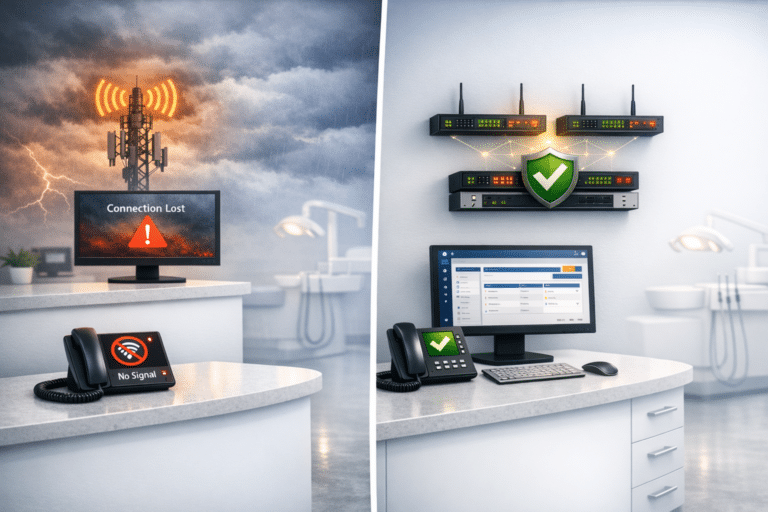
When your core applications live in the cloud, your internet connection becomes even more critical.
An internet outage or disruption to the cloud provider can potentially affect your team’s ability to access the systems it needs to operate. For this reason, practices considering cloud-based systems should also evaluate internet redundancy and failover options.
2. Recurring costs can add up
Cloud doesn’t necessarily mean cheaper.
Subscription, hosting, storage, and per-user fees can accumulate over time. Practice owners should compare the total cost of ownership over several years, rather than simply comparing the initial cost of a server with one month of a cloud subscription.
3. You give up some control
Moving to the cloud means placing greater reliance on outside vendors to host, maintain, secure, and provide access to critical applications and data.
That makes vendor selection—and understanding exactly what your vendor is responsible for—extremely important.
4. “Cloud-based” doesn’t eliminate your IT needs
This is one of the biggest misconceptions we hear.
Moving your practice management software to the cloud does not mean your practice no longer needs IT support.
You still have workstations, firewalls, switches, wireless networks, printers, scanners, imaging equipment, email, Microsoft 365, phones, user accounts, passwords, cybersecurity, and countless other pieces of technology that need to be secured and supported.
The server may disappear. The IT environment doesn’t.
So, Is Cloud or Server Better for a Dental Practice?
The answer is: it depends.
Cloud technology offers some significant advantages, and we expect it to continue playing an increasingly important role in dental practices. But that doesn’t mean every practice should immediately abandon its server.
Likewise, maintaining an on-premise server can still make excellent operational and financial sense for certain practices—provided the infrastructure is modern, properly maintained, secured, and backed up.
Instead of asking, “Which technology is newer?” practice owners should be asking:
“Which environment best supports the way our practice operates today—and where we’re going over the next several years?”
Consider factors such as:
- The dental software and imaging systems you use
- Number of locations and users
- Internet reliability and redundancy
- Remote-access requirements
- Cybersecurity and backup requirements
- Current server age and condition
- Upfront versus recurring costs
- Growth or acquisition plans
- How much downtime your practice can realistically tolerate
Don’t Make the Decision Based on the Server Alone
Whether you’re considering replacing an aging server, moving your practice management system to the cloud, opening another location, or simply trying to understand your options, the decision should be based on your entire technology environment.
At Digital Technology Partners, we work specifically with dental practices to evaluate their infrastructure, identify potential risks, and determine which technology strategy makes the most sense for their operations.
Sometimes that means moving toward the cloud. Sometimes it means investing in a new server. And increasingly, it may mean creating a hybrid environment that uses the best of both.
The goal isn’t to choose cloud or server because one sounds more modern. The goal is to build an IT environment that is secure, reliable, cost-effective, and capable of supporting your practice for years to come.
Not sure whether your current environment is still the right fit? Digital Technology Partners offers a free IT evaluation for dental practices. We’ll take a look at your existing technology, identify potential concerns, and help you understand your options—without pushing you toward a one-size-fits-all solution.
Visit https://www.dtpartners.com/contact to schedule your free evaluation.