10 Password Management Best Practices Every Dental Office Should Follow
When people think about cybersecurity, they often picture sophisticated hackers or ransomware attacks. But in reality, many cyber incidents begin with something much simpler: a compromised password.
Dental practices rely on dozens of applications every day—from practice management software and digital imaging to email, payroll, banking, and cloud services. Every one of those systems contains sensitive information, and every one is protected by a password.
At Digital Technology Partners, we’ve spent more than 20 years helping dental practices strengthen their IT environments. One of the most common vulnerabilities we encounter isn’t outdated hardware or software—it’s poor password management.
The good news? Improving your dental password management doesn’t have to be difficult. Here are ten best practices every dental office should implement.
1. Use a Unique Password for Every Account
One of the biggest mistakes we see is password reuse.
If the same password is used for Microsoft 365, your practice management software, online banking, and a third-party website, one compromised account can quickly lead to multiple security breaches.
Every account should have its own unique password. That way, if one password is exposed in a data breach, the rest of your systems remain protected.
2. Create Long, Strong Passphrases
Today’s best practice for generating passwords is to use long passphrases that combine several unrelated words and incorporate symbols and numbers, such as:
?%3518CoffeeRiverSunriseHorse2026!
Longer passwords are significantly more difficult for attackers to crack while remaining easier for employees to remember.
Aim for passwords that are at least 16 characters long whenever possible and store all of your unique pass.
3. Stop Sharing Employee Login Credentials
Shared usernames and passwords may seem convenient, but they create unnecessary risk.
When multiple employees use the same login:
- There’s no accountability.
- User activity can’t be accurately tracked.
- Former employees may still know the password.
- HIPAA auditing becomes more difficult.
Every team member should have their own individual account whenever possible.
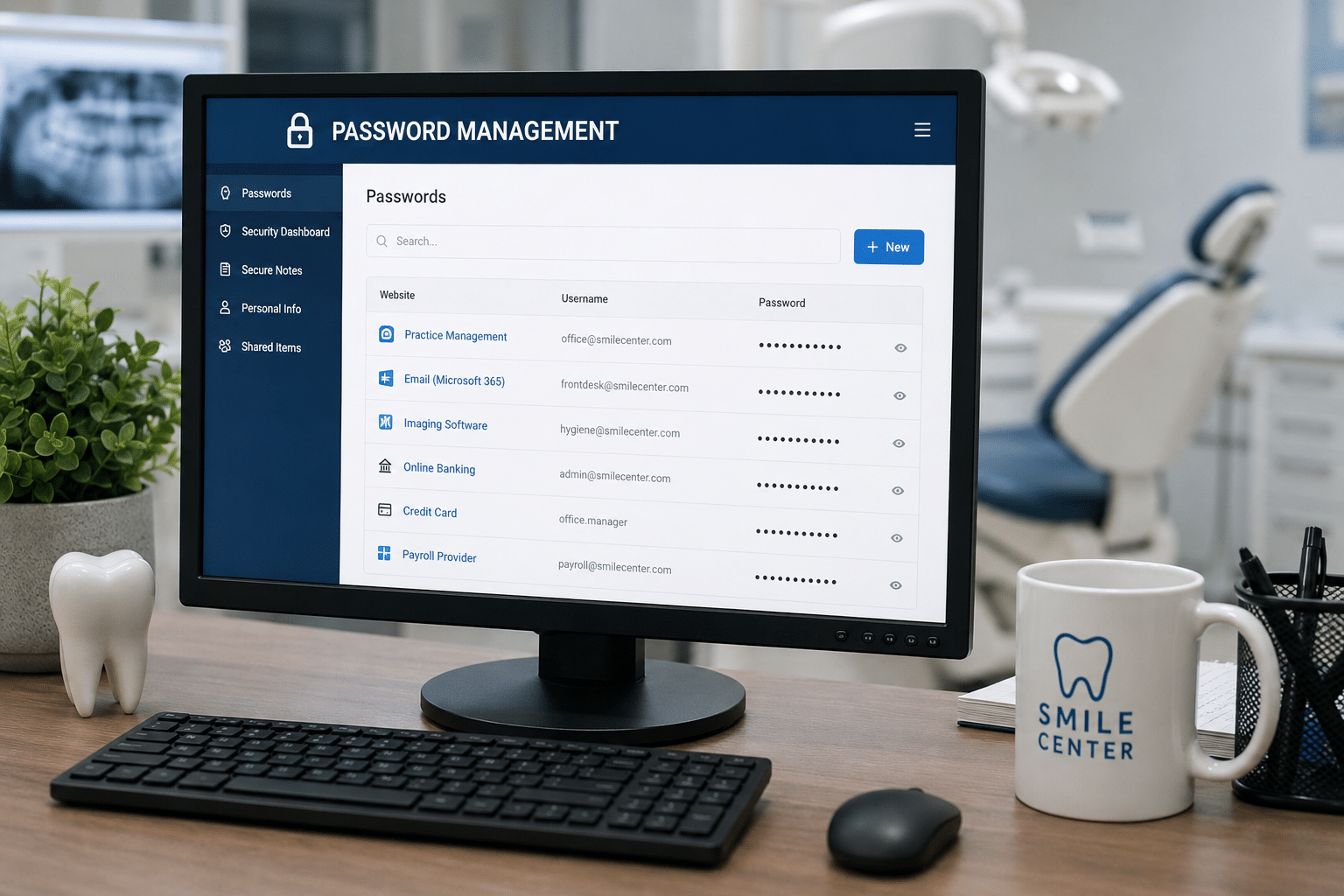
4. Use a Password Manager
No one can realistically remember dozens of unique, complex passwords.
That’s where password managers come in.
A password manager securely stores login credentials, generates strong passwords, and autofills them when needed. There are a lot of great options out there for password managers, such as Keeper.
For dental practices, password managers reduce password reuse, improve security, and make life easier for your team.
Your IT provider can easily incorporate a password manager into your existing IT agreement. Just ask them!
5. Enable Multi-Factor Authentication (MFA)
Even the strongest password isn’t foolproof.
If a password is stolen through phishing or a data breach, attackers can still gain access.
Multi-Factor Authentication adds another layer of protection by requiring users to verify their identity with a second method, such as an authentication app or security code.
We recommend enabling MFA on:
- Microsoft 365
- Email accounts
- Financial websites
- Remote access tools
- Password managers
- Any cloud application that supports it
6. Never Store Passwords on Sticky Notes or Spreadsheets
We’ve seen passwords stored:
- On sticky notes attached to monitors
- Inside desk drawers
- In notebooks
- In Excel spreadsheets
- In Word documents saved to desktops
These methods make passwords easy to steal and difficult to manage.
Instead, store credentials securely in a password manager where access can be controlled and audited.
7. Review and Remove Access for Former Employees Immediately
One of the most overlooked cybersecurity risks is failing to disable accounts after an employee leaves.
Every offboarding process should include:
- Disabling email access
- Removing Microsoft 365 licenses
- Revoking remote access
- Disabling practice management software accounts
- Removing password manager access
- Changing any shared passwords
The longer inactive accounts remain active, the greater the risk.
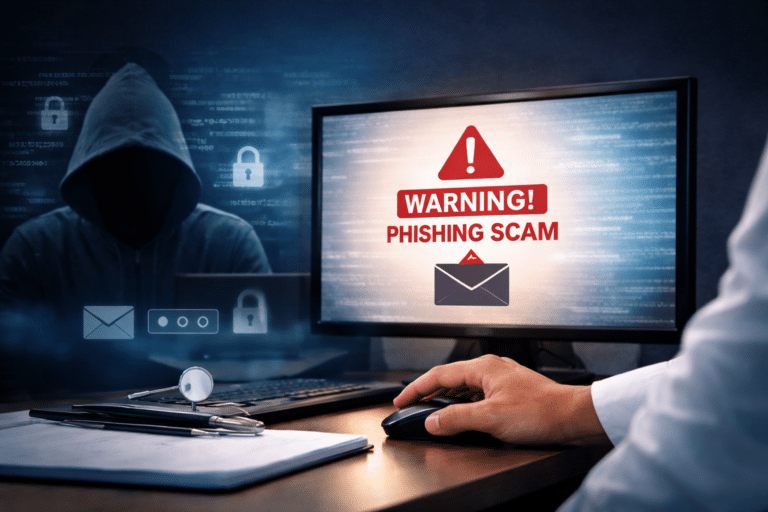
8. Educate Your Team About Phishing
Strong passwords won’t help if an employee unknowingly gives them away.
Phishing emails remain one of the most common ways attackers steal credentials.
Train your staff to:
- Verify unexpected login requests.
- Avoid clicking suspicious links.
- Be cautious with email attachments.
- Report anything that seems unusual.
Technology is only part of cybersecurity—employee awareness is equally important.
9. Establish a Written Password Policy
Every dental office should have clear expectations around password security.
Your policy should outline:
- Minimum password length
- Password manager requirements
- MFA expectations
- Rules against password sharing
- Procedures for onboarding and offboarding employees
- Steps employees should take if they suspect an account has been compromised
Having documented standards helps create consistency across your entire team.
10. Partner with a Dental IT Provider That Understands Your Practice
Password management isn’t a “set it and forget it” task.
As your practice grows, employees change, and technology evolves, your security strategy should evolve as well.
Working with a dental-focused IT provider means your password management policies, access controls, and cybersecurity practices are designed around the unique workflows of a dental office—not just generic business IT.
At Digital Technology Partners, we help dental practices implement practical security measures that protect patient information while keeping teams productive. From password managers and Multi-Factor Authentication to user account management and cybersecurity training, we work alongside practices to reduce risk without adding unnecessary complexity.
Strong Password Management Is One of the Simplest Ways to Improve Your Cybersecurity
Cybersecurity doesn’t always require expensive technology or major infrastructure changes. Sometimes, the biggest improvements come from strengthening the basics.
By following these ten password management best practices, your dental office can significantly reduce its exposure to cyber threats, protect patient information, and build a stronger security culture for your entire team.
If you’re unsure whether your current password practices are keeping your practice secure, now is a great time to evaluate them. Small improvements today can help prevent major problems tomorrow.
In need of IT services? Let’s talk! Book a Discovery call here: www.dtpartners.com/contact.